Omarchy Plugin
Kagi Search for Omarchy
Search Kagi from a compact window on your desktop. Type a query, browse the results with your keyboard, and open the page you want.
Requires a Kagi subscription and a Kagi API key. Enter your API key when you first open the plugin.
- Omarchy Plugins Browse community-built plugins for Omarchy.
- Omarchy Manual Learn how to use and customize Omarchy.
- Omarchy on GitHub Explore the source code and releases.
No matching examples. Try “Omarchy”.
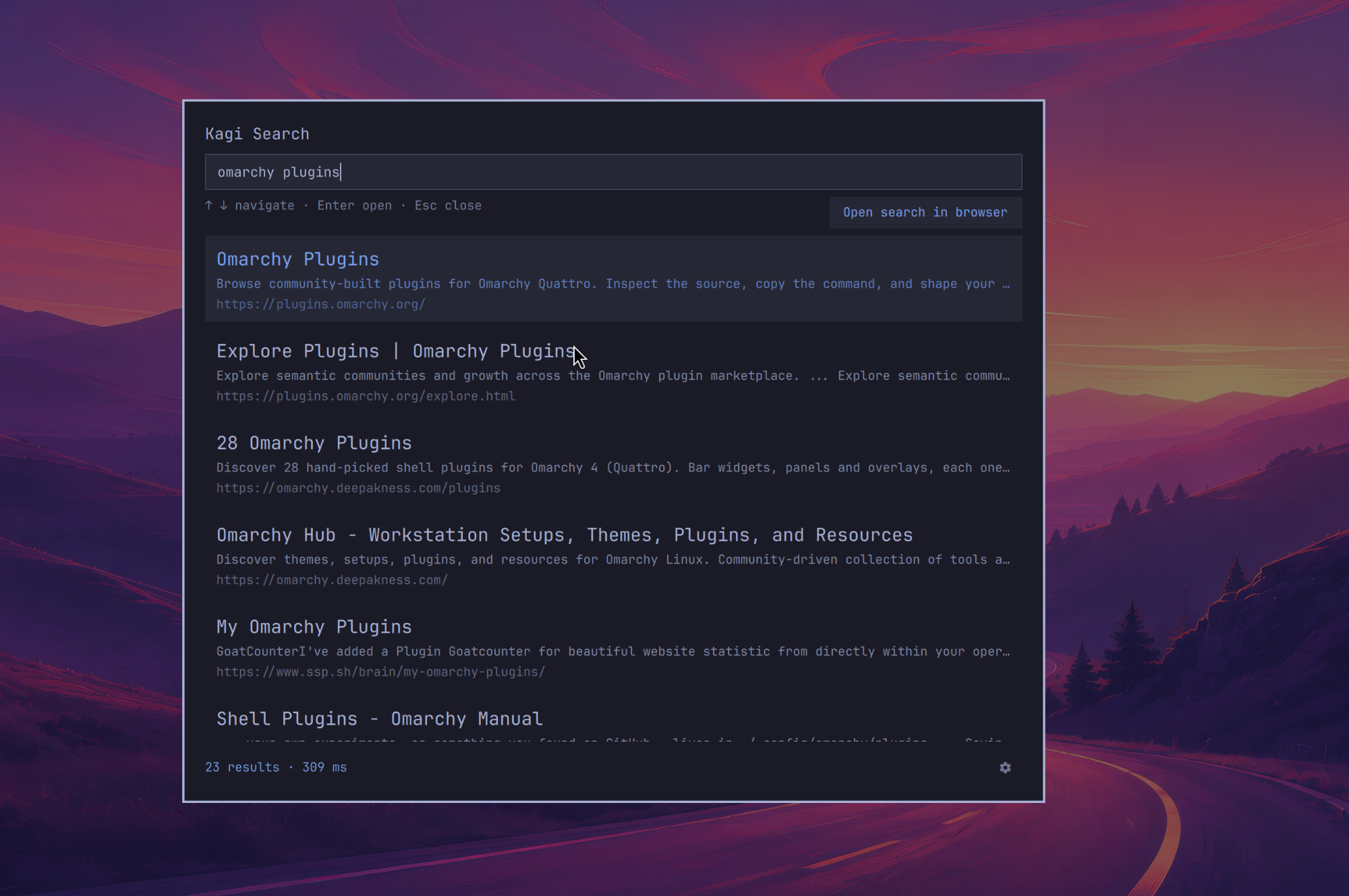
Filter the sample results
Open a search
Press Super + Alt + K or click the Kagi Search icon in your Omarchy bar. If the default shortcut is already taken, the plugin picks an available fallback. Use the settings gear to change the shortcut or move or hide the bar icon.
Choose Open search in browser to view the full results page on Kagi.
Keyboard controls
- ↑ / ↓
- Move between results
- Page Up / Page Down
- Move five results at a time
- Enter
- Open the selected result
- Esc
- Close the search window